
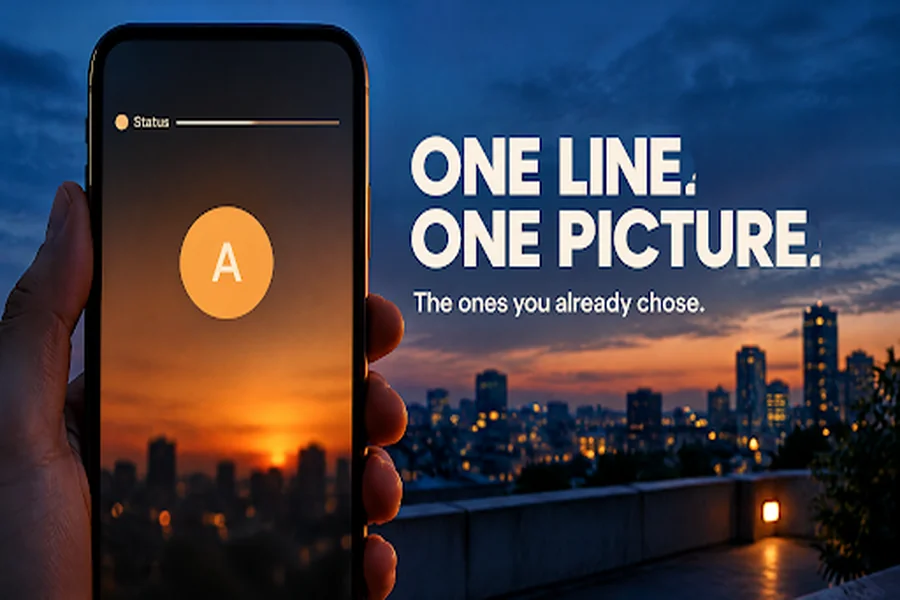
A status here is one line and, often, one picture. The line may be a birthday wish, an attitude note, or a short caption in English, Hindi, or Punjabi. The picture may be a letter DP. A clip helps when that line and that picture stay the ones you chose. It falls apart when the video writes a new sentence or places a different face on the DP.
Keep the line you would post
Paste the status as the script, in the language you already use. A wish for a sister stays that wish. Keep those words in the caption you type when you post. Dialogue and subtitles can be generated along with the picture, and letters painted onto the frame can still come out wrong. If one second says something the status does not say, that file stays a draft.
Move one picture for a few seconds
Seedance 2.5 generates the clip at about 4 to 30 seconds, from text plus image, video, and audio, with the timing written in seconds. You can bring up to 50 references: as many as 30 images, 10 video clips whose combined length stays inside 30 seconds, and 10 audio files on the same combined limit. A reference image on this page can be up to 4K. The video export you can select tops out at 1080p. The page can also carry dialogue and subtitles in more than one language.
If one second is wrong, that section can be revised while the rest stays more stable. Trial credits are shown before you generate. They are not an unlimited run, and a free pass may use a narrower preset. Commercial use depends on the plan and the license at export.
Use a picture you made, a letter you designed, or a photo you have permission to move. A generated face belongs to the draft. The person named in a wish needs a photo they agreed to, or they stay out of the clip.
Leave the draft where the line can still change
Topview is the workspace around that clip. You describe the idea, paste the status, add the DP as a reference, or point at the page the line already lives on. The scenes stay editable, so a correction to the sentence is a correction to the shot. The plan and the credits are on the site before you generate. You still post the status yourself. A generated frame stays a draft until it matches the line you typed.
Put the original line next to the file. If the clip adds a claim the status does not make, that version stays a draft.
Leaving a draft where the line can still change means keeping your work flexible until you are confident in the final result. Whether you are writing an article, designing a project, or preparing important content, early decisions should not always be permanent. A draft gives you room to test ideas, improve sentences, adjust details, and correct mistakes without starting over. Instead of rushing to finalize every part, focus on the sections that need attention and allow yourself time to review them carefully. This approach encourages creativity and makes revisions easier. It also helps you recognize better opportunities that may appear during the process. By keeping your draft editable, you can make thoughtful changes, maintain quality, and produce a stronger final version with greater confidence.